
Appearance
Theme
The theme button at the right of the title bar switches between:
- System: follows your operating system's light or dark setting, and changes with it.
- Light
- Dark
The choice is remembered and applied before the window paints, so there's no flash of the wrong theme at startup.
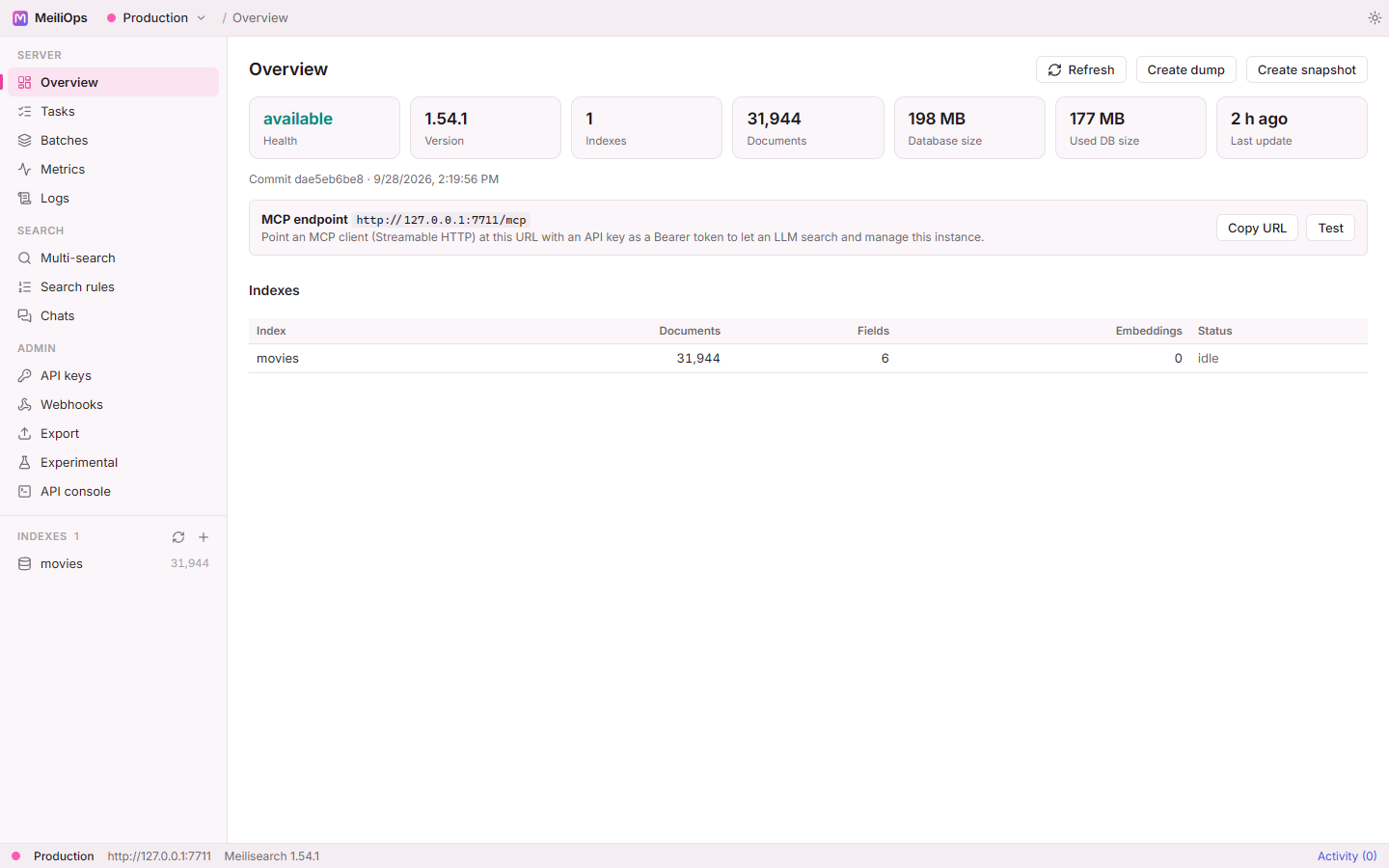
The palette follows meilisearch.com: deep purple surfaces in dark mode, Meilisearch pink as the accent, blue for links and teal for success.
Window
On Windows and Linux, MeiliOps draws its own title bar in the style of VS Code and Zed: drag it to move the window, double-click it to maximize. On macOS the native traffic-light buttons are kept.
Snap layouts
The Windows 11 snap-layout menu doesn't appear when hovering the maximize button, as with other apps that draw their own title bar. Win + Z and dragging the window to a screen edge still work.
Memory
While the window is minimized, MeiliOps asks the WebView to trim its memory, which frees tens of megabytes of RAM while it's in the background. See Performance.