
Getting started
MeiliOps is a desktop app for administering Meilisearch servers, in the spirit of MongoDB Compass and pgAdmin. It targets the latest stable Meilisearch release (currently v1.54).
Install
Download the installer for your platform from the latest release.
| Platform | File | Notes |
|---|---|---|
| Windows 10 / 11 (x64) | MeiliOps_<version>_x64-setup.exe | Per-user install, no admin rights needed. Uses the WebView2 runtime that ships with Windows 11 (the installer fetches it on older systems). |
| macOS (Apple Silicon) | MeiliOps_<version>_aarch64.dmg | |
| macOS (Intel) | MeiliOps_<version>_x64.dmg | |
| Linux (x64) | .deb, .rpm or .AppImage | Needs WebKitGTK 4.1 (installed by the deb/rpm packages). |
Unsigned builds
Releases are not code-signed yet. Windows SmartScreen may say "Windows protected your PC": choose More info → Run anyway. On macOS, right-click the app and choose Open the first time. See Troubleshooting.
Connect to a server
- Click New connection on the welcome screen.
- Enter a name, the server URL (for example
http://127.0.0.1:7700) and an API key. - Click Test connection, then Save & connect.
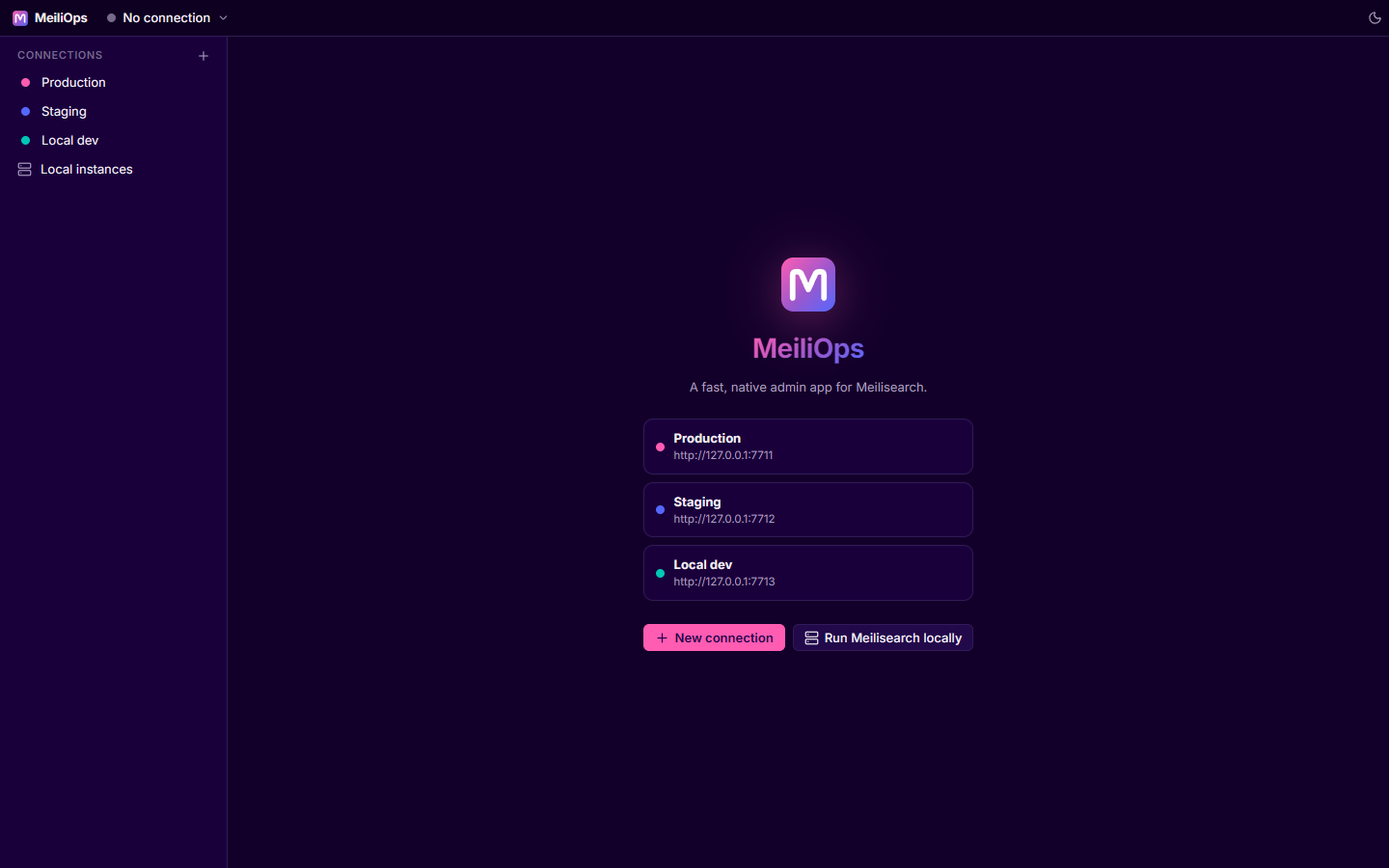
Use the master key or an admin API key for full access. With a more limited key, screens that need missing permissions show the server's error instead of failing silently.
Don't have a server yet? MeiliOps can download and run Meilisearch for you.
Find your way around
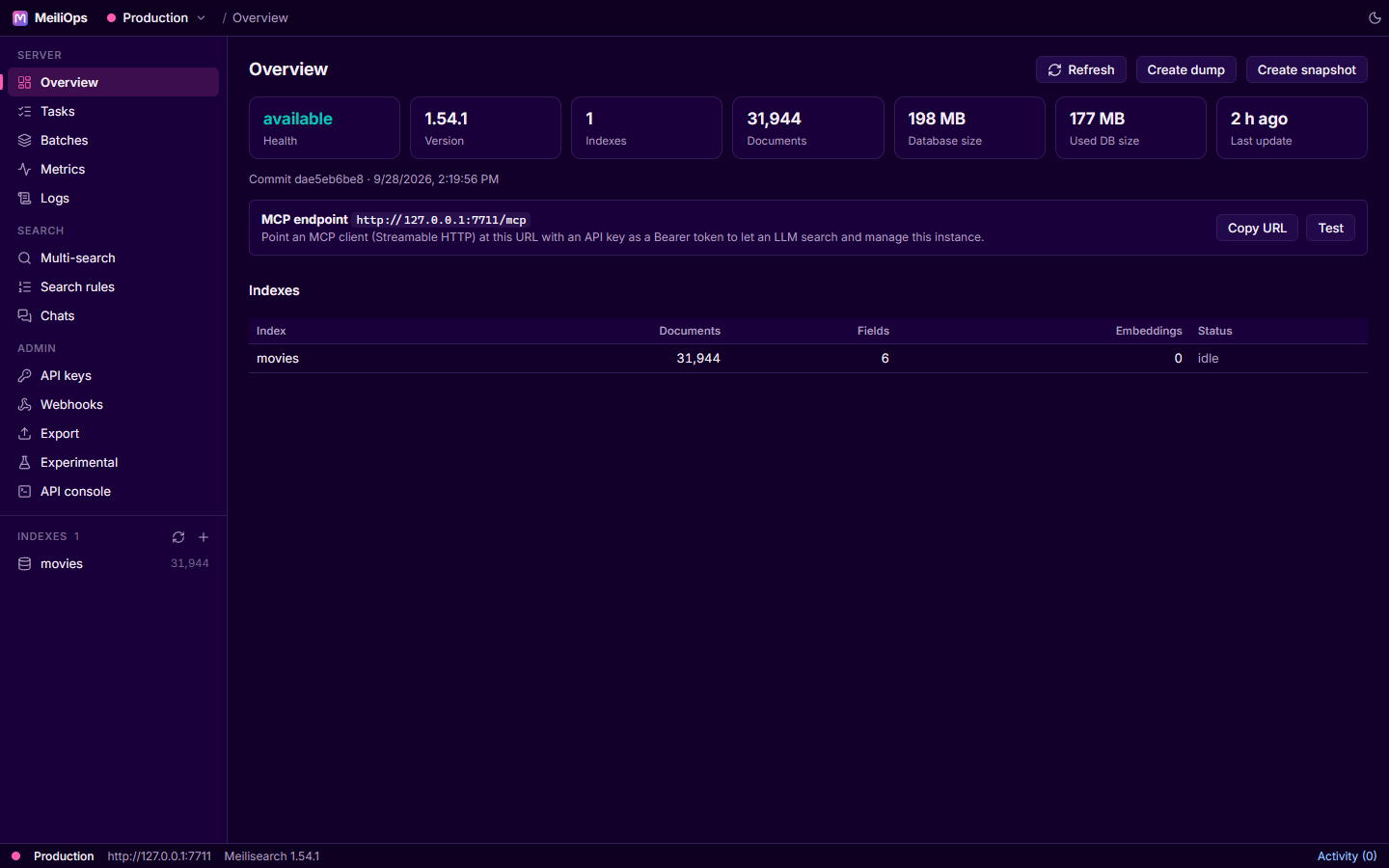
| Area | What's there |
|---|---|
| Title bar | The connection switcher (all saved connections, New connection, Local instances, Disconnect), where you are, and the theme menu |
| Sidebar | Server screens (Overview, Tasks, Batches, Metrics, Logs), search features, admin screens, and the list of indexes |
| Index tabs | Documents, Search, Schema, Settings and Index info for the selected index |
| Status bar | The active server and version, plus Activity: the operations you started in this session and their progress |
Most write operations in Meilisearch are asynchronous tasks. MeiliOps tracks every task you start, shows its progress in Activity, and tells you when it succeeds or fails.