
Tasks and batches
Meilisearch processes every write (documents, settings, index operations) as an asynchronous task, and groups tasks into batches.
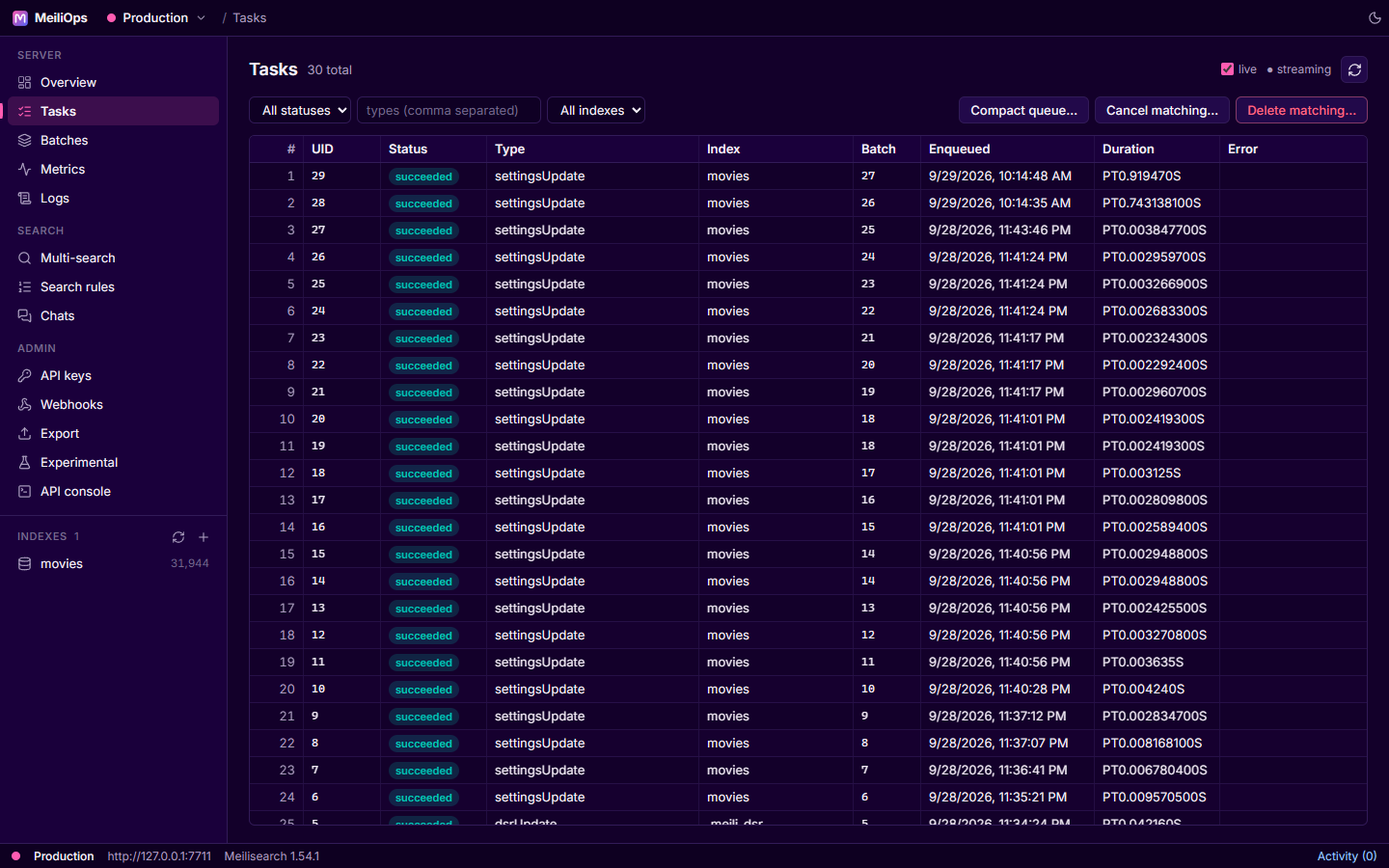
Tasks
- Filter by status, type (comma-separated) and index.
- Live updates: when the server was started with
--experimental-enable-tasks-streaming-route, new and changed tasks are pushed in as they happen (● streaming). Otherwise MeiliOps polls every couple of seconds (○ polling). Untick live to freeze the list. - Click a task to see its full payload: details, error, timings and the batch it ran in.
- Cancel matching… and Delete matching… cancel or delete every task matching the current filters (with confirmation).
- Compact queue… compacts the task database (
POST /tasks/compact).
Batches
The Batches screen lists batches with a progress bar and current step while they run, and for each batch the number of tasks by status, type and index, plus Meilisearch's progress trace. Like tasks, it streams live when the server allows it.
Activity
The Activity button in the status bar lists the operations you started in this session, with their status. Each one is followed until it finishes, and you get a notification when it succeeds or fails, even if you've moved on to another screen or another server.