
API keys
The API keys screen manages the keys of the connected server. You need the master key (or a key with the keys.* actions) to use it.
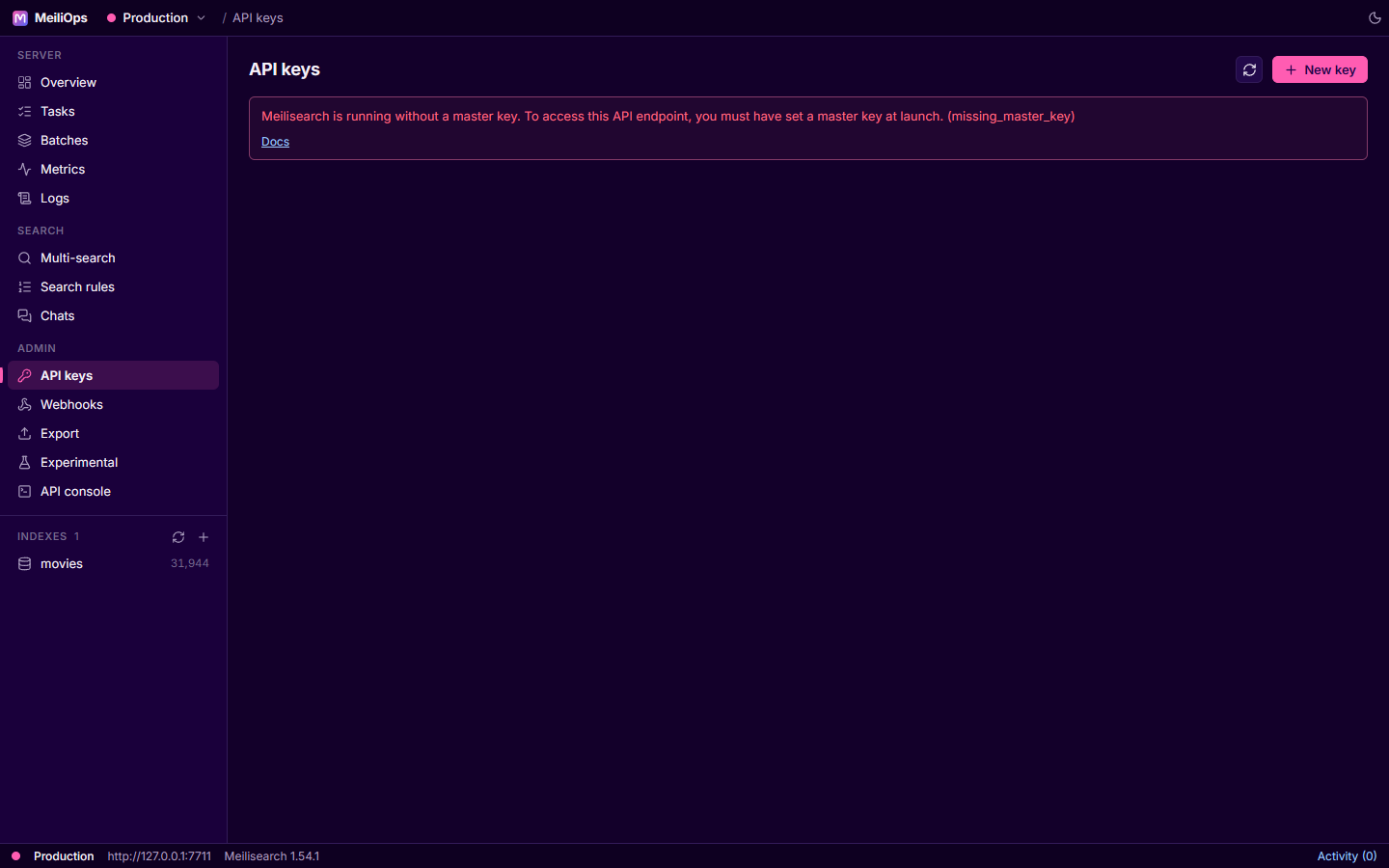
The key list
Each row shows the key's name and description, a masked key (the eye icon reveals it, the clipboard icon copies it), its actions, the indexes it can access and its expiry. The row buttons open Details, Edit, Generate a tenant token and Delete.
Creating a key
New key asks for:
- a name and description,
- an optional expiry date,
- the indexes it applies to (
*for all, or patterns likemovies_*), - its actions, picked from a checklist of every action the server supports.
Meilisearch only lets you change a key's name and description afterwards; actions, indexes and expiry are fixed at creation.
Tenant tokens
For multi-tenant apps, a tenant token restricts a search key with per-index search rules (for example, a filter that limits results to one customer). MeiliOps generates tenant tokens locally: you enter the search rules and an optional expiry, and it signs the token with the key. The key never leaves your computer for this.